The Problem with Forgetting
Imagine if you had to re-introduce yourself every time you spoke to your best friend. “Hello, my name is Sam.” “Hello, my name is Sam.” “Hello, my name is Sam.”
That would be exhausting! Computers are the same. If we want them to remember something—like your name, your age, or your score in a game—we need to give them a place to put it.
Enter the Variable (The Magic Box)
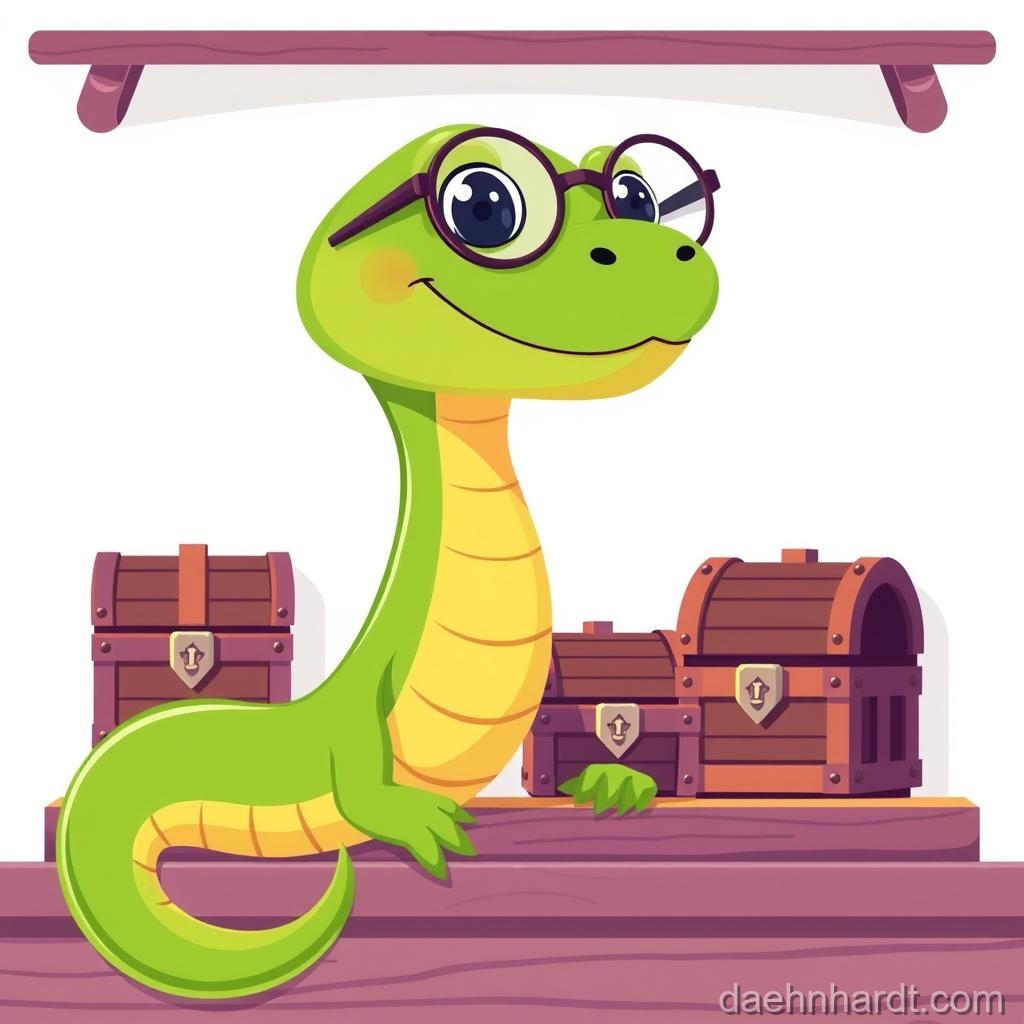
In Python, a variable is just a box with a name on it.
name = "Sam"
score = 100
Here is what happened:
- We created a box labeled “name” and put the text “Sam” inside.
- We created a box labeled “score” and put the number 100 inside.
Visual representation:
┌─────────────┐        ┌─────────────┐
│   name      │        │   score     │
│   "Sam"     │        │    100      │
└─────────────┘        └─────────────┘
Now, whenever you type name, the computer looks in the box and sees “Sam”.
print(name)
Output:
Sam
🚀 Try This NOW!
What do you think will happen if we run this code?
age = 10
print(age)
print(age)
print(age)
Click to check!
It will print: ``` 10 10 10 ``` The variable remembers its value!Changing the Contents
The best thing about variables is that they can change (that’s why they are called vari-ables!).
Imagine you are playing a game and you get a bonus point.
score = 100
print(score)  # Computer says: 100

score = score + 1
print(score)  # Computer says: 101
You took the value out of the box (100), added 1 to it (101), and put it back in the box.
🎮 Real-World Connection
This is how video games track your score! Every time you collect a coin in Mario, the game does coins = coins + 1. Every time you level up, it does level = level + 1.
Rules for Naming Boxes
You can name your variables anything you want, but there are a few rules:
- No spaces: Use
player_score, notplayer score. - Start with a letter:
score1is okay,1scoreis not. - No special symbols:
my-scoredoesn’t work, butmy_scoredoes! - Be clear:
xis a bad name.player_nameis a great name.
Common Mistakes & Fixes
❌ Wrong: player score = 50
Why it fails: Spaces aren't allowed!

✅ Right: player_score = 50
Use underscore _ to connect words

❌ Wrong: 1st_place = "Gold"
Why it fails: Can't start with a number!

✅ Right: first_place = "Gold"
Spell out numbers

❌ Wrong: print(Score)
Why it fails: Python thinks Score and score are different!

✅ Right: print(score)
Variable names are case-sensitive!
Fun Practice: The Silly Story Machine
Let’s build something fun! We’ll make variables for different parts of a story:
hero = "Captain Banana"
villain = "Evil Broccoli"
superpower = "laser eyes"
food = "pizza"

print(hero, "fought", villain)
print(hero, "used", superpower)
print("They celebrated with", food)
Output:
Captain Banana fought Evil Broccoli
Captain Banana used laser eyes
They celebrated with pizza
Try It Yourself
Write a program that:
- Creates a variable called
wizard_name. - Creates a variable called
magic_power. - Creates a variable called
favorite_spell. - Prints them all out in a cool sentence!
Example:
wizard_name = "Merlin"
magic_power = 50
favorite_spell = "Fireball"

print(wizard_name, "has", magic_power, "magic points")
print("Their favorite spell is", favorite_spell)
🔍 Bug Hunter Betty Says:
“If you get an error like ‘NameError: name ‘wizard_name’ is not defined’, it means you tried to use a variable before creating it! Make sure you create the variable BEFORE you try to print it.”
🎉 Achievement Unlocked: Memory Master! Wizard Level: Apprentice (2/10 complete)
📝 Today’s Spell Book (Quick Reference)
variable_name = value  # Creates a box and puts value inside
score = 100           # A number variable
name = "Sam"          # A text variable
score = score + 1     # Changes the value (adds 1)
💡 Parent/Teacher Tip
If your learner is confused about variables, try this physical activity: Write “name” on a piece of paper (the label) and “Sam” on another piece (the value). Put the “Sam” paper under the “name” paper. Then show how you can replace “Sam” with “Alex” by swapping the paper underneath!
In the next lesson, we will make the magic boxes interactive!
This post is part of the Python Basics for Kids series, based on “Python for Kids from 8 to 88”.
