The Red Text of Doom?
You wrote your code. You hit Run. And BAM. Red text everywhere. 🔴
SyntaxError: unexpected EOF while parsing
Do not panic. You did not break the computer. In fact, you just unlocked a SECRET SKILL…
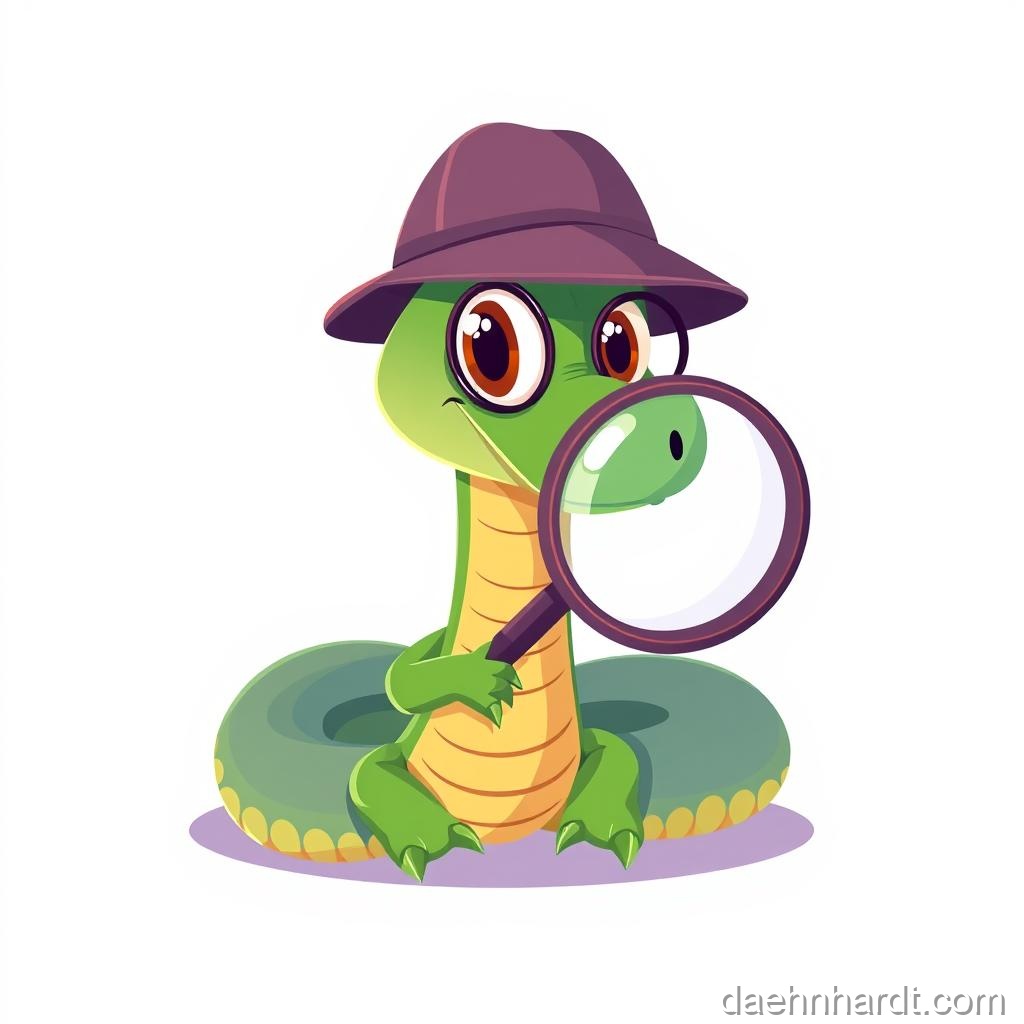
🔍 Meet Bug Hunter Betty!
    ___
   /👁 \
  | 🔍 |  <- Bug Hunter Betty
   \___/     (She LOVES finding bugs!)
    | |
   /   \
Bug Hunter Betty says: “Errors are CLUES! The computer is trying to help you. It’s like a treasure map showing you where to dig!”
The Truth About Coding
Coders make mistakes.
- Beginners make mistakes.
- Experts make mistakes.
- The people who built Python make mistakes.
- The people at Google, NASA, and Disney make mistakes.
Programming is not about being perfect. It is about fixing things. We call this “Debugging” (getting the bugs out).
The Debugging Cycle:
┌──────────┐
│ Write    │
│ Code     │
└────┬─────┘
     │
     ↓
┌──────────┐
│ Run      │
│ Code     │
└────┬─────┘
     │
     ↓
┌──────────┐      ┌──────────┐
│ Error?   │─YES→ │ Fix it!  │
└────┬─────┘      └────┬─────┘
     │                 │
     NO                └──┐
     │                    │
     ↓                    ↓
┌──────────┐         ┌───────┐
│ Success! │         │ Learn │
└──────────┘         └───────┘
🎮 Real-World Connection
When Fortnite has a glitch or Minecraft crashes, programmers debug it! Every app you love has been debugged thousands of times. Bugs are normal, fixing them makes you a REAL programmer!
Common Mistakes (The Bug Collection)
1. The Missing Quote 🔴
print("Hello)
Error: EOL while scanning string literal
What it means: “End Of Line while looking for the closing quote”
🔍 Bug Hunter Betty’s Fix:
✅ print("Hello")
Count your quotes! Every opening " needs a closing ".
2. The Missing Colon 🔴
if age > 10
    print("Old enough")
Error: invalid syntax
What it means: Python expected a : after the if line
🔍 Bug Hunter Betty’s Fix:
✅ if age > 10:
       print("Old enough")
if, else, for, and def lines ALWAYS end with :
3. The Spelling Mistake 🔴
prnt("Hello")
Error: name 'prnt' is not defined
What it means: Python doesn’t know what prnt is!
🔍 Bug Hunter Betty’s Fix:
✅ print("Hello")
Check your spelling! Python is very picky. Print, PRINT, and prnt won’t work—it must be print.
4. The Indent Disaster 🔴
if age > 10:
print("Yes")
Error: IndentationError: expected an indented block
What it means: The code under if should be pushed in!
🔍 Bug Hunter Betty’s Fix:
✅ if age > 10:
       print("Yes")
Use 4 spaces (or 1 Tab) to indent. Don’t mix them!
5. The Wrong Math 🔴
result = 10 / 0
Error: ZeroDivisionError: division by zero
What it means: You can’t divide by zero! (Math rule!)
🔍 Bug Hunter Betty’s Fix:
✅ result = 10 / 2
Check your numbers! Make sure you’re not dividing by zero.
6. The Undefined Variable 🔴
print(name)
Error: NameError: name 'name' is not defined
What it means: You’re trying to use a variable that doesn’t exist yet!
🔍 Bug Hunter Betty’s Fix:
✅ name = "Sam"
    print(name)
Create the variable BEFORE using it!
How to Be a Detective 🔍
When you see an error:
Step 1: Don’t Panic! Take a breath. This is normal. Even the pros see errors 100 times a day.
Step 2: Read the Line Number The error usually tells you where it got confused (e.g., “Line 5”).
File "my_code.py", line 5
                        ^
Step 3: Read the Error Type
SyntaxError= You broke a grammar ruleNameError= Variable doesn’t existIndentationError= Spacing is wrongTypeError= You mixed incompatible types
Step 4: Look for Clues
- Missing quotes
"? - Missing colon
:? - Wrong spelling?
- Wrong indentation?
Step 5: Fix and Try Again! Change ONE thing at a time. Run it. See what happens.
Try It Yourself: Bug Hunt!
Find and fix the bugs in this code:
name = input("What's your name? )
if name == "Sam"
print("Hello Sam!)
else:
    print("Hello stranger")
Click for the solution!
**3 bugs found!** ```python ✅ name = input("What's your name? ") # Added closing quote ✅ if name == "Sam": # Added colon ✅ print("Hello Sam!") # Added closing quote + indent else: print("Hello stranger") ```Your Superpower
The next time you get an error, smile. 😊 Say: “Aha! A clue!” Then fix it. That feeling of fixing a bug is the BEST feeling in the world. 🎉
Every error you fix makes you a better programmer!
🎉 Achievement Unlocked: Bug Hunter! Wizard Level: Sorcerer (6/10 complete)
📝 Today’s Spell Book (Quick Reference)
# Common errors and their fixes:

# SyntaxError - Grammar mistake
if x > 5:  # Don't forget the :

# NameError - Variable doesn't exist
name = "Sam"  # Create it first!
print(name)

# IndentationError - Wrong spacing
if True:
    print("Indented!")  # Use 4 spaces

# TypeError - Wrong type
age = int(input("Age: "))  # Convert to number

# Check your code:
# ✓ All quotes closed?
# ✓ All colons added?
# ✓ Everything spelled right?
# ✓ Indentation consistent?
🔍 Bug Hunter Betty’s Final Advice:
“The BEST way to learn is to make mistakes and fix them! Don’t copy-paste code without understanding it. Type it yourself, break it, fix it, and you’ll remember it forever!”
💡 Parent/Teacher Tip
When your learner encounters an error, resist the urge to fix it immediately! Instead, ask guiding questions: “What line number does it mention? What type of error is it? What do you think might be wrong there?” This builds problem-solving skills that will serve them for life.
🌟 Pro Tip
Professional programmers use something called “rubber duck debugging”—they explain their code line-by-line to a rubber duck (or stuffed animal, or friend). Often, just explaining it out loud helps you find the bug! Try it!
In the next lesson, we’ll learn about different Types of data!
This post is part of the Python Basics for Kids series, based on “Python for Kids from 8 to 88”.
