Apples and Oranges
If I asked you to add “Apple” + “Orange”, what is the answer? “AppleOrange”? Maybe. But what is “Apple” × “Orange”? That doesn’t make sense! 🤔
Data in Python comes in different flavors, called Types.
Think of it like food:
🍎 Apples    = Numbers (you can count them!)
🍊 Oranges   = Text (you can read them!)
✅ Yes/No    = True/False (you can decide!)
The Big Three Types
1. Integers (Whole Numbers) 🔢
These are numbers for math. No quotes.
age = 10
score = 100
year = 2026
2. Strings (Text) 📝
Strings are text. They must have quotes.
name = "Elena"
message = "Hello World"
number_as_text = "100"
3. Booleans (True/False) ✅
These are for logic. They are only True or False.
is_raining = False
game_over = True
Visual reminder:
┌──────────┐  ┌──────────┐  ┌──────────┐
│ Integer  │  │  String  │  │ Boolean  │
│    42    │  │  "42"    │  │   True   │
│ (number) │  │  (text)  │  │(yes/no)  │
└──────────┘  └──────────┘  └──────────┘
🚀 Try This NOW!
Which of these are strings (text) and which are integers (numbers)?
a = 5
b = "5"
c = "Hello"
d = 999
Click to check!
- `a = 5` → Integer (number) - `b = "5"` → String (text) - `c = "Hello"` → String (text) - `d = 999` → Integer (number) The quotes make it text!Why It Matters: Math vs. Gluing
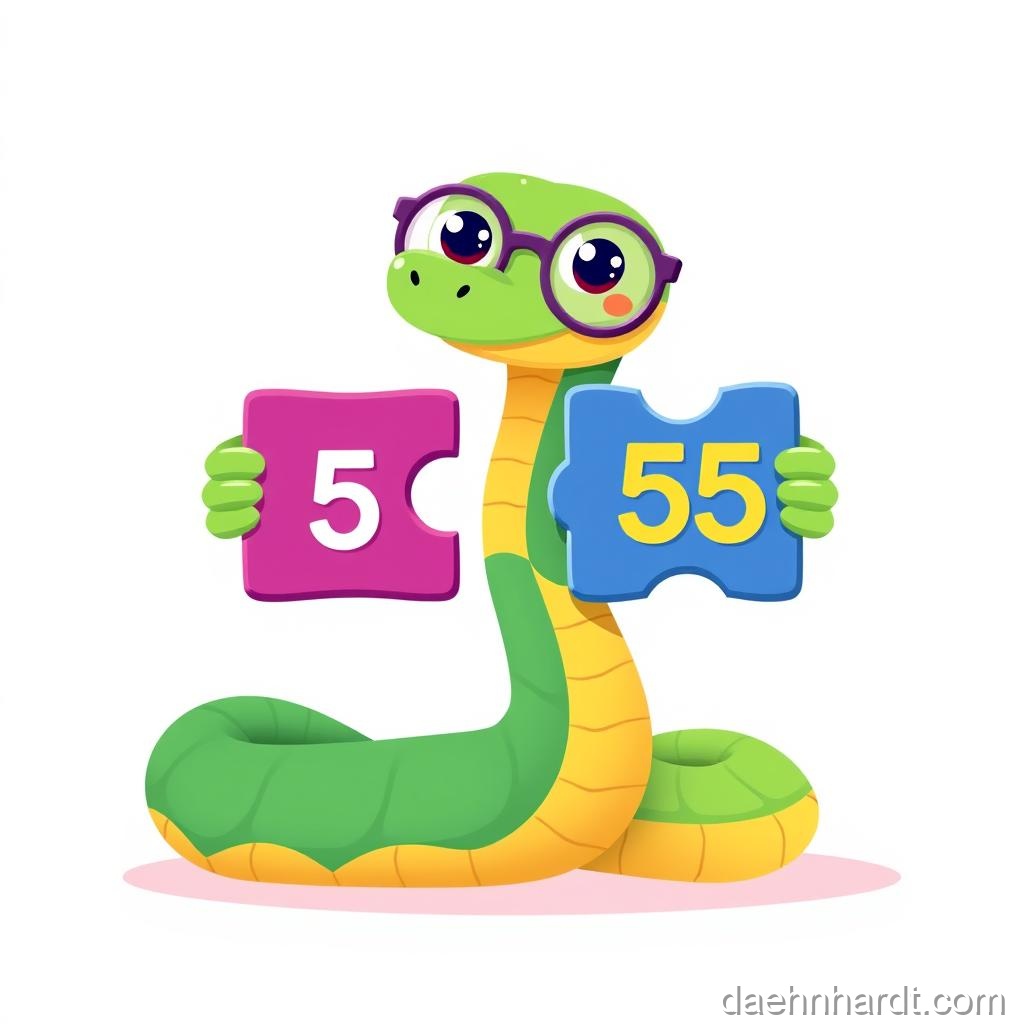
Let’s see what happens when we mix them up.
# MATH (Integers)
print(5 + 5)
# Output: 10

# GLUING (Strings)
print("5" + "5")
# Output: 55
Because “5” is text, Python just glues them together, like “Cat” + “Dog” = “CatDog”.
More Examples:
# With numbers (integers):
print(10 * 3)      # Output: 30 (math!)
print(10 - 3)      # Output: 7

# With text (strings):
print("Ha" * 3)    # Output: HaHaHa (repeat!)
print("Hi" + "!")  # Output: Hi! (glue!)
🎮 Real-World Connection
When you type your age into an app, it starts as text (string) because keyboards give text! The app has to convert it to a number (integer) if it wants to do math like “Are you older than 13?”
The Crash 💥
What happens if you try to add a Number to a String?
print("My age is " + 10)
ERROR! 🔴
TypeError: can only concatenate str (not "int") to str
The computer is confused. “Do you want me to do math? Or write a sentence?”
The Fix: Turn the number into a string!
print("My age is " + str(10))
# Output: My age is 10
Type Conversion (The Shape-Shifter!) 🔄
Python has magic spells to change types:
# String to Integer
age_text = "15"
age_number = int(age_text)
print(age_number + 5)  # Output: 20 (math works!)

# Integer to String
score = 100
message = "Your score is " + str(score)
print(message)  # Output: Your score is 100

# String to Float (decimal numbers)
price = "9.99"
price_number = float(price)
print(price_number * 2)  # Output: 19.98
Common Mistakes & Fixes
❌ Wrong: age = input("Age? ")
         print(age + 5)
Why it fails: input() gives TEXT, can't add to number!

✅ Right: age = int(input("Age? "))
         print(age + 5)
Convert to int first!

❌ Wrong: print("Score: " + 100)
Why it fails: Can't glue text and number!

✅ Right: print("Score: " + str(100))
         # or better:
         print("Score:", 100)  # Comma auto-converts!
Convert to string, or use comma!

❌ Wrong: number = int("Hello")
Why it fails: "Hello" isn't a number!

✅ Right: number = int("42")
Only convert number-like strings!
Check the Type! 🔍
If you’re not sure what type something is, ask Python:
print(type(42))        # <class 'int'>
print(type("Hello"))   # <class 'str'>
print(type(True))      # <class 'bool'>
print(type(3.14))      # <class 'float'>
Try It Yourself
- Create a variable
a = 10 - Create a variable
b = "20" - Try to add them (
print(a + b)). See the crash. - Fix it by converting
bto an integer!
Solution:
a = 10
b = "20"
# print(a + b)  # This crashes!
b_number = int(b)
print(a + b_number)  # Output: 30
Extra Challenge: The Calculator
Ask the user for two numbers and add them together:
num1 = input("First number: ")
num2 = input("Second number: ")

# Convert both to integers
total = int(num1) + int(num2)
print("Total:", total)
Try it! Type 5 and 3. It should print 8, not 53!
🎉 Achievement Unlocked: Type Master! Wizard Level: Enchanter (7/10 complete)
📝 Today’s Spell Book (Quick Reference)
# The main types:
x = 42          # int (integer - whole number)
x = "Hello"     # str (string - text)
x = 3.14        # float (decimal number)
x = True        # bool (boolean - True or False)

# Converting types:
int("5")        # Text "5" → Number 5
str(100)        # Number 100 → Text "100"
float("3.14")   # Text "3.14" → Decimal 3.14

# Check the type:
type(x)         # Shows what type x is

# Remember:
# - Numbers: for math (no quotes)
# - Strings: for text (with quotes)
# - Use int() to convert text to number
🔍 Bug Hunter Betty Says:
“If you see ‘TypeError’, it usually means you’re mixing types! Check if you’re trying to add a number and text together. Remember: use int() to convert text to numbers, and str() to convert numbers to text!”
💡 Parent/Teacher Tip
The concept of types can be abstract. Try this physical activity: Give your learner actual objects (a toy car = integer, a book = string, a yes/no card = boolean). Show that you can COUNT cars (math with integers) but you can’t do math with books—you can only read them and put them together (concatenate strings).
🌟 Fun Fact
Python is called a “dynamically typed” language, which means you don’t have to declare types like in other languages (Java, C++). Python figures it out for you! That’s why it’s great for beginners!
In the next lesson, we’ll learn about Lists—how to store MANY things at once!
This post is part of the Python Basics for Kids series, based on “Python for Kids from 8 to 88”.
