
The Problem with Variables
Variables are great for storing one thing.
name = "Sam"
But what if you want to invite 20 friends to a party? Use 20 variables?
friend1 = "Sam"
friend2 = "Alex"
friend3 = "Lee"
friend4 = "Kim"
# ... 16 more?! 😫
That’s messy! There must be a better way…
Enter the List (The Treasure Chest) 📦
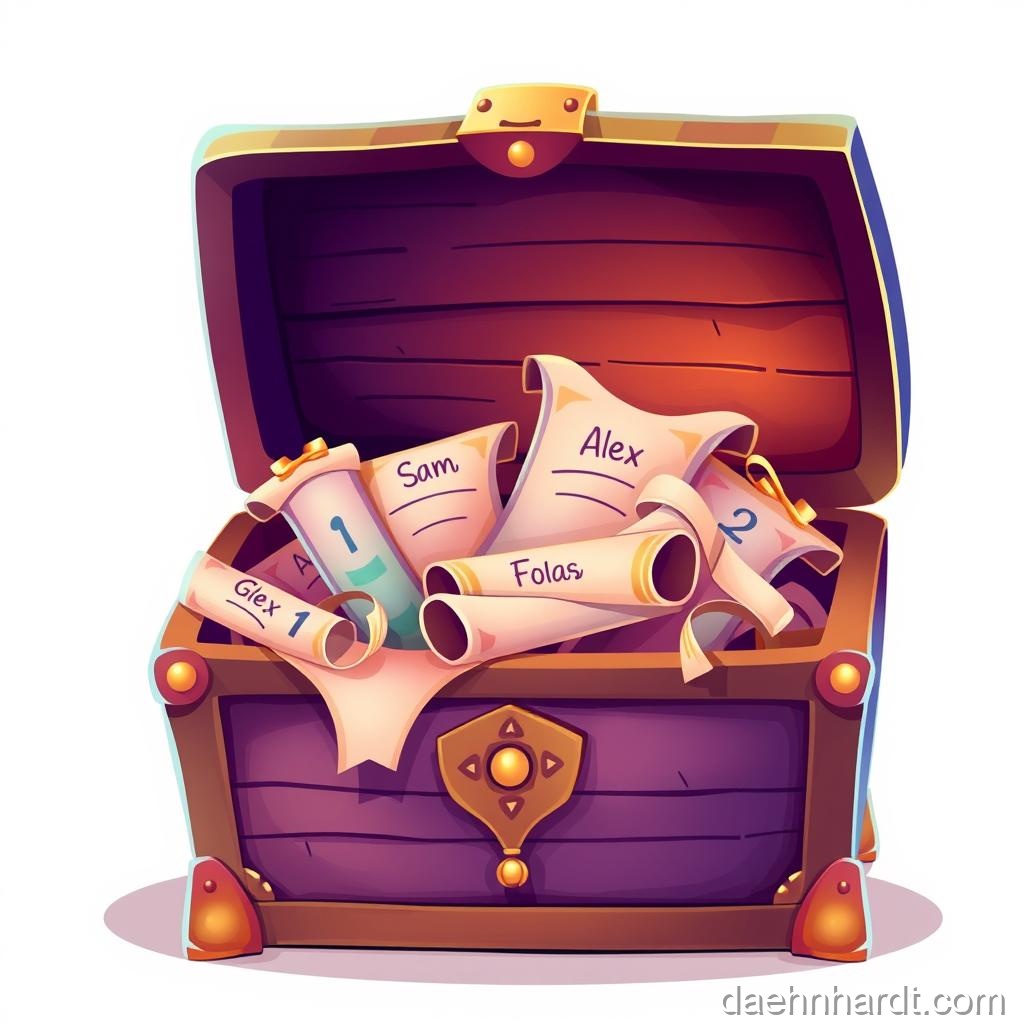
A List is a variable that can hold many things. It uses square brackets [].
friends = ["Sam", "Alex", "Lee", "Kim"]
Now we have one box (friends) containing four names!
Visual representation:
┌─────────────────────────────────┐
│        friends LIST             │
├──────┬──────┬──────┬──────────┤
│ "Sam"│"Alex"│ "Lee"│  "Kim"   │
├──────┼──────┼──────┼──────────┤
│  [0] │  [1] │  [2] │   [3]    │
└──────┴──────┴──────┴──────────┘
🎮 Real-World Connection
This is how Spotify stores your playlists! Your “Favorites” is a list of songs. Instagram has a list of your posts. Every game has a list of high scores. Lists are EVERYWHERE!
Finding Things in the Box (Indexing) 🔍
How do we get “Sam” out of the box? We use the position number (index).
Important Rule: Computers start counting at 0. 🤯
| “Sam” | “Alex” | “Lee” | “Kim” |
|---|---|---|---|
| 0 | 1 | 2 | 3 |
print(friends[0])  # Prints "Sam"
print(friends[2])  # Prints "Lee"
print(friends[3])  # Prints "Kim"
🚀 Try This NOW!
What will this print?
colors = ["red", "blue", "green", "yellow"]
print(colors[1])
Click to check!
It prints "blue" because blue is at index 1! (Remember: we start counting from 0!)Why Start at 0?
It’s a computer science tradition! Think of it like this:
- Index 0 = “zero steps from the start”
- Index 1 = “one step from the start”
- Index 2 = “two steps from the start”
Once you get used to it, it makes sense! 😊
Making Changes 🔧
Lists can change!
Adding Items
friends = ["Sam", "Alex"]
friends.append("Jo")
print(friends)  # ["Sam", "Alex", "Jo"]
Changing Items
Oh no, “Alex” can’t come. “Max” is coming instead.
friends = ["Sam", "Alex", "Lee"]
friends[1] = "Max"
print(friends)  # ["Sam", "Max", "Lee"]
Removing Items
friends = ["Sam", "Alex", "Lee"]
friends.remove("Alex")
print(friends)  # ["Sam", "Lee"]
Counting Items
How many friends do I have?
friends = ["Sam", "Alex", "Lee", "Kim"]
print(len(friends))  # 4
(len is short for “length”)
Loops + Lists = Magic! ✨
Remember loops? They are BEST FRIENDS with lists!
friends = ["Sam", "Alex", "Lee", "Kim"]

for friend in friends:
    print("Hello", friend + "!")
Output:
Hello Sam!
Hello Alex!
Hello Lee!
Hello Kim!
This is how Instagram shows you 100 photos. It just loops through a list!
Another Example: High Scores
scores = [100, 95, 87, 92, 88]

for score in scores:
    print("Score:", score)
    if score >= 90:
        print("  Grade: A!")
    else:
        print("  Grade: B")
List Tricks 🎩
Get the First and Last
fruits = ["apple", "banana", "cherry", "date"]

first = fruits[0]      # "apple"
last = fruits[-1]      # "date" (negative counts from end!)
Slice a List (Get a Part)
fruits = ["apple", "banana", "cherry", "date", "elderberry"]

middle = fruits[1:4]  # Gets index 1, 2, 3 (not 4!)
print(middle)  # ["banana", "cherry", "date"]
Check if Something is in the List
fruits = ["apple", "banana", "cherry"]

if "banana" in fruits:
    print("Yes, we have bananas!")
Try It Yourself
Challenge 1: Make a list of your 3 favorite foods.
foods = ["pizza", "ice cream", "tacos"]
Challenge 2: Print the first one using index.
print(foods[0]) # pizza
Challenge 3: Add a 4th food to your list.
foods.append("cookies")
print(foods)  # ["pizza", "ice cream", "tacos", "cookies"]
Challenge 4: Use a loop to print all your foods!
for food in foods:
    print("I love", food)
Extra Challenge: The Todo List
Make a program that:
- Creates a list of 3 tasks
- Prints all tasks
- Asks which task is done (by index)
- Removes that task
- Shows remaining tasks
Solution:
tasks = ["Clean room", "Do homework", "Feed cat"]

print("Your tasks:")
for i in range(len(tasks)):
    print(i, "-", tasks[i])

done = int(input("Which task is done? (enter number): "))
finished = tasks[done]
tasks.remove(finished)

print("\nRemaining tasks:")
for task in tasks:
    print("-", task)
Common Mistakes & Fixes
❌ Wrong: friends = ["Sam", "Alex"
Why it fails: Missing closing bracket!

✅ Right: friends = ["Sam", "Alex"]
Always close your brackets!

❌ Wrong: print(friends[5])
Why it fails: If list has 3 items, index 5 doesn't exist!

✅ Right: print(friends[2])
Indexes go from 0 to (length - 1)

❌ Wrong: friends.add("Jo")
Why it fails: The method is called .append(), not .add()

✅ Right: friends.append("Jo")
Remember: append, not add!

❌ Wrong: friends(0)
Why it fails: Use square brackets, not parentheses!

✅ Right: friends[0]
Lists use [ ], functions use ( )
🔍 Bug Hunter Betty Says:
“If you see ‘IndexError: list index out of range’, it means you’re trying to access an item that doesn’t exist! If your list has 3 items (indexes 0, 1, 2) and you try to access index 5, Python gets confused. Always check how long your list is with len()!”
🎉 Achievement Unlocked: List Collector! Wizard Level: Enchanter (8/10 complete)
📝 Today’s Spell Book (Quick Reference)
# Create a list
my_list = ["apple", "banana", "cherry"]

# Access items (indexing starts at 0!)
first = my_list[0]     # "apple"
last = my_list[-1]     # "cherry" (from end)

# Modify list
my_list.append("date")     # Add to end
my_list.remove("banana")   # Remove specific item
my_list[0] = "apricot"     # Change item at index 0

# Get info about list
length = len(my_list)      # How many items?
if "apple" in my_list:     # Is "apple" in the list?
    print("Found it!")

# Loop through list
for item in my_list:
    print(item)

# Useful list methods:
# .append(item) - add to end
# .remove(item) - remove specific item
# .sort() - sort alphabetically/numerically
# .reverse() - reverse the order
💡 Parent/Teacher Tip
The “starting at 0” concept can be confusing! Try this: Line up 4 toys. Point to the first one and say “This is zero steps from the start.” Point to the second and say “This is one step from the start.” This physical demonstration often makes it click!
🌟 Fun Fact
Lists can hold ANY type of data—even other lists! You can have a list of lists (like a grid for tic-tac-toe), or a list that mixes numbers and text: weird_list = [42, "hello", True, 3.14]. Python is very flexible!
In the next lesson, we’ll learn about Functions—how to create your own custom commands!
This post is part of the Python Basics for Kids series, based on “Python for Kids from 8 to 88”.
