While polishing my publishing script, I managed to do the one thing I explicitly advise against: I committed a token to Git. It was in a comment. It was in a private repository. It was still, regrettably, committed.
What followed was not drama, but administration — rewriting history, checking remote branches, and searching old commits for fragments of the token to ensure it had truly vanished. It turns out that removing a secret from Git is rather more involved than removing a semicolon.
On balance, I would not recommend the experience.
It was, however, a useful reminder that secure workflows are not theoretical best practices. They are habits — and habits are most valuable when we are tired, moving quickly, or feeling slightly too confident.
Using AI Code Assistants Safely: Why It Matters
There is something very addictive about modern code assistants, and I find myself using them almost daily. The efficiency gains and faster prototyping are obvious on the surface.
What continues to amaze me is how well AI assistance understands what we want to implement, often from very small or loosely defined specifications.
You type a half-formed thought — “parse this CSV”, “add authentication”, “why does this crash?” — and suddenly there is structure, clarity, even elegance. For many of us, these tools feel less like machines and more like patient collaborators who never get tired of our questions.
But collaboration always comes with responsibility, and that’s what I want to talk about today.
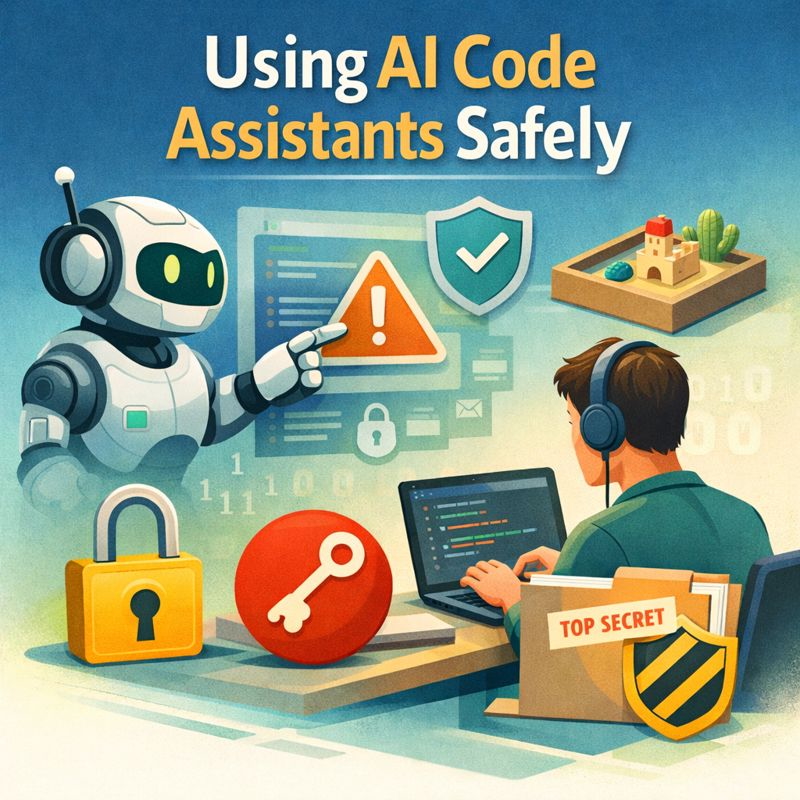
This post is not about fear, nor about rejecting AI tools. It’s about using them well. Calmly. Thoughtfully. Safely. Because the moment we invite an assistant into our code, we also invite it into our habits, our workflows, and sometimes our secrets.
Key Practices for Safe AI-Assisted Coding
This is a practical guide based on real workflows. We’ll look at:
- How to use AI code assistants without leaking secrets
- Why Git and
.gitignore matter more than ever
- How to sandbox AI-assisted experiments safely
- What to review before running AI-generated code
- Where the real risks are as AI tools move closer to production systems
Let me share what I’ve learned about keeping those secrets safe.
Why AI Code Assistant Safety Matters More Than Ever
Generative code assistants are fundamentally different from traditional development tools, and that difference matters.
A compiler doesn’t remember you. A linter doesn’t learn from your mistakes. But an AI code assistant works by seeing patterns in context, which means it sees your patterns too: filenames, comments, configuration styles, coding conventions — and occasionally things you really wish it hadn’t seen at all.
The risk of AI-assisted secret leakage is rarely dramatic or sudden. It’s quiet and cumulative.
Consider these scenarios I’ve seen happen to colleagues:
- A
.env file pasted into a chat window without thinking
- A private API key left in a code snippet shared for debugging
- A production configuration copied into a prompt to ask about optimisation
- A Git repository with full history shared when only a single file was relevant
None of these looks dangerous in isolation. Together, they form habits of leakage that can compromise projects, organisations, and user trust.
11 Habits for Safe AI-Assisted Development
🔒 Subscribe to keep reading.
Key Takeaways for Safe AI-Assisted Coding
🔒 Subscribe to keep reading.
You've hit a Deep Dive tutorial.
I spend dozens of hours researching, coding, and breaking things to write these guides. This content is free, but reserved for my subscriber community. Drop your email below to unlock this guide (and all past/future deep dives):
Full content temporarily unavailable — refresh in a moment
Already a subscriber? Use the magic link from your last newsletter, or reset your password.
Log in to unlock
New subscribers get an inbox mail: Set a password to unlock articles. The form does not log you in — use the same email afterwards.