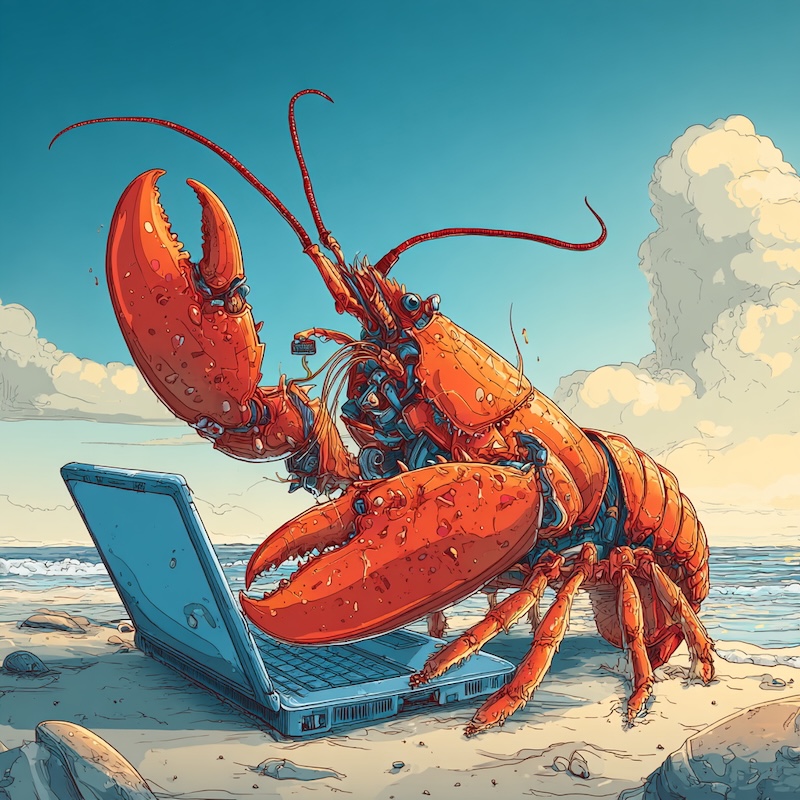
Before you install it locally, here are five entirely plausible ways your week could take an unexpected turn.
It looks harmless at first. You connect OpenClaw to your Gmail. You point it at Slack. You give it a few instructions and step away to make coffee.
But the moment it can read your inbox, post on your behalf, and call external APIs with your credentials — something changes.
The moment a system can act on your behalf with real credentials and persistent consequences, it becomes infrastructure. And infrastructure, as I have learned, has very different rules.
This post complements this week’s AI Signals, where I examine the broader capability, capital, and sovereign investment shifts shaping agentic AI at scale.
What Is OpenClaw, and Why Does Deployment Architecture Matter?
OpenClaw is an AI agent framework that connects to services like Slack and Gmail to monitor messages, draft replies, call external APIs, and execute automated workflows on a user’s behalf.
Unlike a chatbot, OpenClaw can monitor Slack channels, read and draft Gmail messages, call external APIs, execute structured workflows, and trigger automated actions. It is not answering questions. It is acting on your behalf, in your name, with your access.
The chatbot-versus-infrastructure distinction matters enormously — and most people miss it entirely until something goes wrong.
Five Ways a Local Install Can Ruin Your Week
🔒 Subscribe to keep reading.
The Root Cause: No Separation
🔒 Subscribe to keep reading.
The Better Approach: Isolate the Agent
🔒 Subscribe to keep reading.
Cloud Architecture: A Secure Deployment Model
🔒 Subscribe to keep reading.
Threat Model: Think Like an Attacker
🔒 Subscribe to keep reading.
Multi-Agent Routing
🔒 Subscribe to keep reading.
Hosting Options
🔒 Subscribe to keep reading.
Agent Social Networks
🔒 Subscribe to keep reading.
OpenClaw Security Takeaways: Cloud Deployment vs. Local Install
🔒 Subscribe to keep reading.
You've hit a Deep Dive tutorial.
I spend dozens of hours researching, coding, and breaking things to write these guides. This content is free, but reserved for my subscriber community. Drop your email below to unlock this guide (and all past/future deep dives):
Full content temporarily unavailable — refresh in a moment
Already a subscriber? Use the magic link from your last newsletter, or reset your password.
Log in to unlock
New subscribers get an inbox mail: Set a password to unlock articles. The form does not log you in — use the same email afterwards.