
Hello, my dear readers. How are you doing?
Git is a distributed version control system [4] that tracks changes to source files and lets multiple developers collaborate on the same codebase through branches, commits, and merges. This post collects the Git commands I use most, a contribution workflow, and an interactive tool for learning Git branching in the browser.
I have not posted much lately — busy stretch. But I found something worth sharing: a JavaScript application for learning Git branching, built by Peter Cottle and available at Learn Git Branching [1]. It simulates a Git repository right in your browser and draws the commit and branching graph as you type git commands, so you can actually watch what each command does to the tree. Simply marvelous.
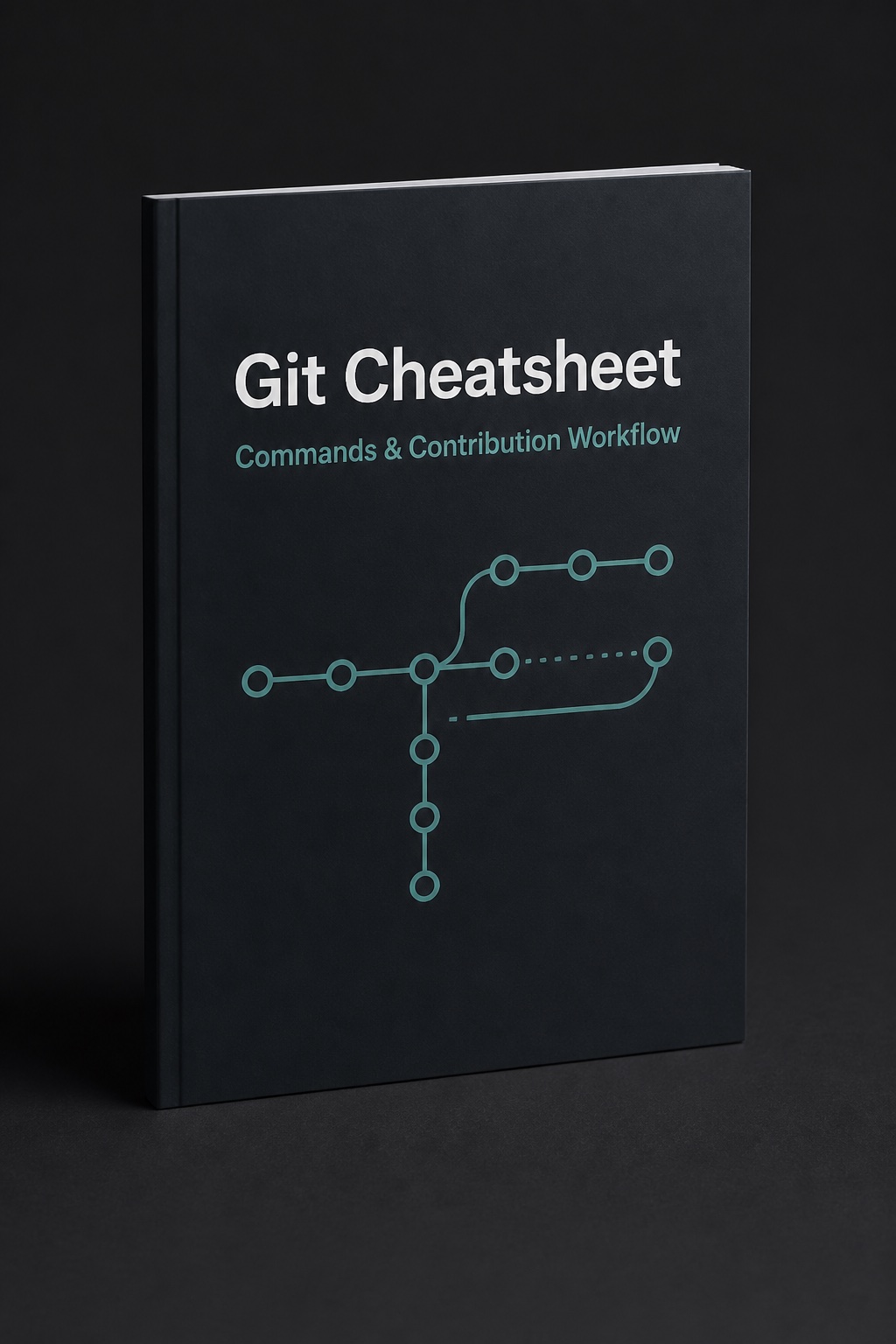
I also noticed I only ever reach for a handful of Git commands, following pretty much the same workflow every time. So I built myself a cheatsheet Winner sheet with the commands I use most, for quick reference later. I used Python and the ReportLab library [3] to generate the PDF. Grab it from my GitHub repository as a PDF, or read the Markdown version [2] directly. I want us to be winners :)
Have a great week!
References
1. Learn Git Branching by Peter Cottle
2. Git Winner Sheet (Markdown)
4. Git - About Version Control (Pro Git book)
Did you like this post? Please let me know if you have any comments or suggestions.
Git posts that might be interesting for youStay Ahead in AI, Machine Learning & Python
No hype. Weekly notes on AI tools, Python, and what I'm actually building — plus two free gifts: the 15-page Fantastic AI: The 2026 Toolkit and a Git Commands & Contribution Workflow Cheatsheet.
You're in
Check your inbox for Set a password to unlock articles if you want gated tutorials. Log in with the same email.
